macOS AND LINUX
curl -fsSL https://getsymbiont.com/install.sh | sh
If the script reports that the folder is not on the PATH, add it to the shell's startup file and open a new terminal.
The app is where the software house works: it manages the systems and their maps, the access keys, the clients, the stand-ins and the team. Your clients do not need to install any software: they consult their systems on the web.
Download for Mac · Apple silicon Mac · Intel
Open the .dmg file and drag Symbiont to the Applications folder. The processor type is shown under Apple menu → About This Mac: “Chip Apple M…” indicates Apple silicon, “Processor Intel” indicates Intel.
Open Symbiont-Setup, which installs the app for the current user. On first launch, Windows may report that the publisher is unknown; in that case, choose More info → Run anyway.
AppImage .deb (Debian, Ubuntu)
AppImage: make the file executable (chmod +x Symbiont-*.AppImage) and open it. The .deb package: sudo apt install ./symbiont_*_amd64.deb. For 64-bit computers (x86_64).
30-day free trial, no credit card required.
The app is available for Mac; in beta for Windows and Linux.
Sign in with the Symbiont account. A software house that is new to Symbiont creates the account from the sign-in window with Create the account, and then turns on two-step sign-in.
With this function, Symbiont downloads the systems, connects them, restores the development keys from the vault, the encrypted store of keys, and sets up the coding assistant.
Clients and their consultants use the website app.getsymbiont.com, without installing any software.
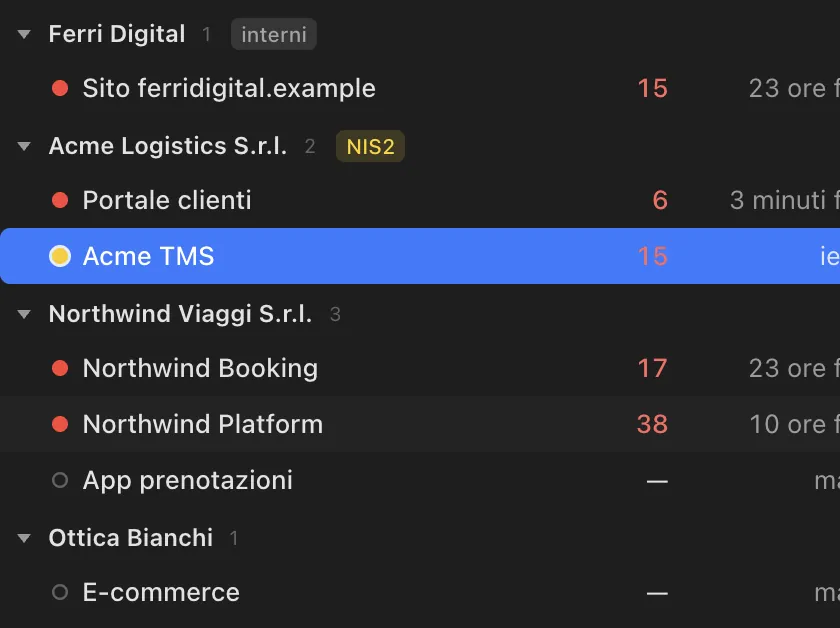
~/Symbiont-projects (or into another folder of choice)..env file, which is excluded from git. The values never pass through the app or the AI.The skills follow the open Agent Skills format; every assistant also reads the Symbiont block in the project's instructions file. The operations log and secret blocking require hooks, that is, commands the assistant runs automatically: they are available in Claude Code and, for shell commands only, in Codex.
| Assistant | Detected by | Skills installed in | Project instructions | Log, secret blocking, manifest check |
|---|---|---|---|---|
| Claude Code | claude or ~/.claude | ~/.claude/skills (or $CLAUDE_CONFIG_DIR/skills) | AGENTS.md; also CLAUDE.md if the project has one | Yes: hooks in .claude/settings.json |
| OpenAI Codex CLI | codex or ~/.codex | ~/.agents/skills | AGENTS.md | Shell commands only: hooks in .codex/hooks.json, active once approved in Codex with /hooks |
| Cursor | ~/.cursor | ~/.agents/skills | AGENTS.md | No: run dbc manifest check before finishing |
| Gemini CLI | gemini or ~/.gemini | ~/.agents/skills | GEMINI.md | No |
| GitHub Copilot CLI | copilot or ~/.copilot | ~/.agents/skills (Copilot in VS Code reads ~/.copilot/skills instead) | AGENTS.md | No |
Other assistants: most of them read the Symbiont block in AGENTS.md. Text outside the block's markers is never modified.
This installation is not needed to use the app, which already includes dbc, Symbiont's program for the terminal. It is intended for a server, for continuous integration (CI) or for a computer on which the app is not installed. The script downloads the correct build, checks its SHA-256 fingerprint and installs it in ~/.local/bin/dbc (Windows: %LOCALAPPDATA%\Symbiont\bin\dbc.exe).
curl -fsSL https://getsymbiont.com/install.sh | sh
If the script reports that the folder is not on the PATH, add it to the shell's startup file and open a new terminal.
irm https://getsymbiont.com/install.ps1 | iex
The script adds the folder to the current user's PATH; the command is available in a new PowerShell window.
The main commands: dbc connect links a folder to a system, dbc manifest push sends the description, dbc skills install connects the coding assistant, dbc vault pull-env --env dev restores the keys from the vault, dbc update updates dbc. dbc --help lists them all.